

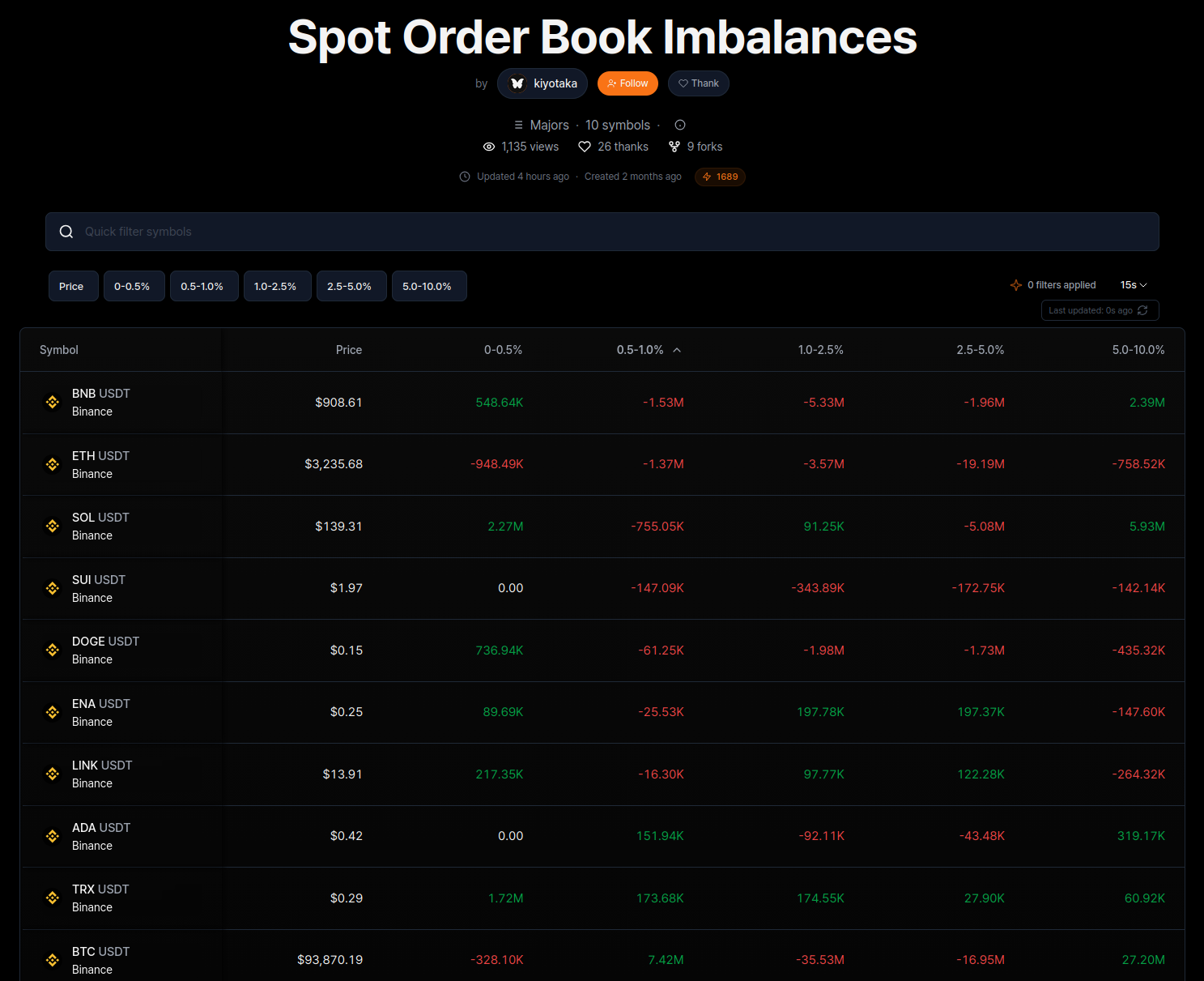
kScreener is a high-performance market-scanning engine that allows you to monitor the entire crypto ecosystem in real-time. By integrating standard metrics with custom kScript logic, you can instantly identify momentum shifts, OI spikes, and liquidation events across thousands of assets.
Explore community-built tools at the Screener Hub or view a live Example Screener.
Key Features
The Screener Hub
The Screener Hub is a central marketplace for discovering, publishing, and forking battle-tested strategies.
- Featured & Popular: Access curated lists of the most effective community screeners.
- Forking: Every open-source screener is forkable, allowing you to copy a template and further customize its logic.
- Publishing: Once your screener is configured, you can publish it to the hub to collect views, likes, and forks.
Creating a Screener
To build a new scanner, click the + New Screener button to open the configuration dialog.
Watchlists
Watchlists are sets of symbols that define the scope of your scan. You can choose from a variety of predefined categories or use your own custom-built lists.
- Predefined Lists: Quickly scan sectors like Majors, Layer 1s, or Memes.
- Custom Watchlists: Users can create their own personalized watchlists to track specific assets. For detailed instructions on managing your own lists, refer to the Terminal Watchlist Documentation.
Metadata & Categories
- Categorization: Assign your screener to categories like Order Flow, Liquidity, or Narrative.
- Tags: Add searchable keywords to improve discoverability on the Hub.
- Preserve Settings: Enable this to keep your current column and filter configurations when saving a template.
Visualization Modes
Customize how you digest market data using specialized view modes:
- List View: A standard tabular layout for comparing metrics across symbols.
- Tiles View: A treemap-style visualization where tile size and color reflect market momentum or specific indicator values.
- Strips View: A streamlined horizontal view focused on price and key values.
- Scatter Plot: Visualize asset distribution across two custom axes (e.g., Price vs. Volume Delta).
Tier Benefits & Limits
Access to kScreener performance is determined by your user tier, which can be upgraded via the referral system.
| Tier | Referrals Required | Assets | Indicators | Columns | Update Frequency |
|---|---|---|---|---|---|
| 1 | 0 | 10 | 4 | 5 | 15s |
| 2 | 10 | 15 | 5 | 6 | 10s |
| 3 | 25 | 20 | 7 | 8 | 5s |
| 4 | 50 | 25 | 8 | 9 | 5s |
| 5 | 100 | 50 | 10 | 11 | Live |